Create reports and visuals
In developmentDaniel Trackman can write renovation progress reports, generate budget charts from your numbers, create visual references, and turn site briefings into spoken audio. Some features are still in development — new capabilities are added regularly.
Reports
Renovation progress report
Write a weekly renovation progress report for the kitchen based on our conversations this week
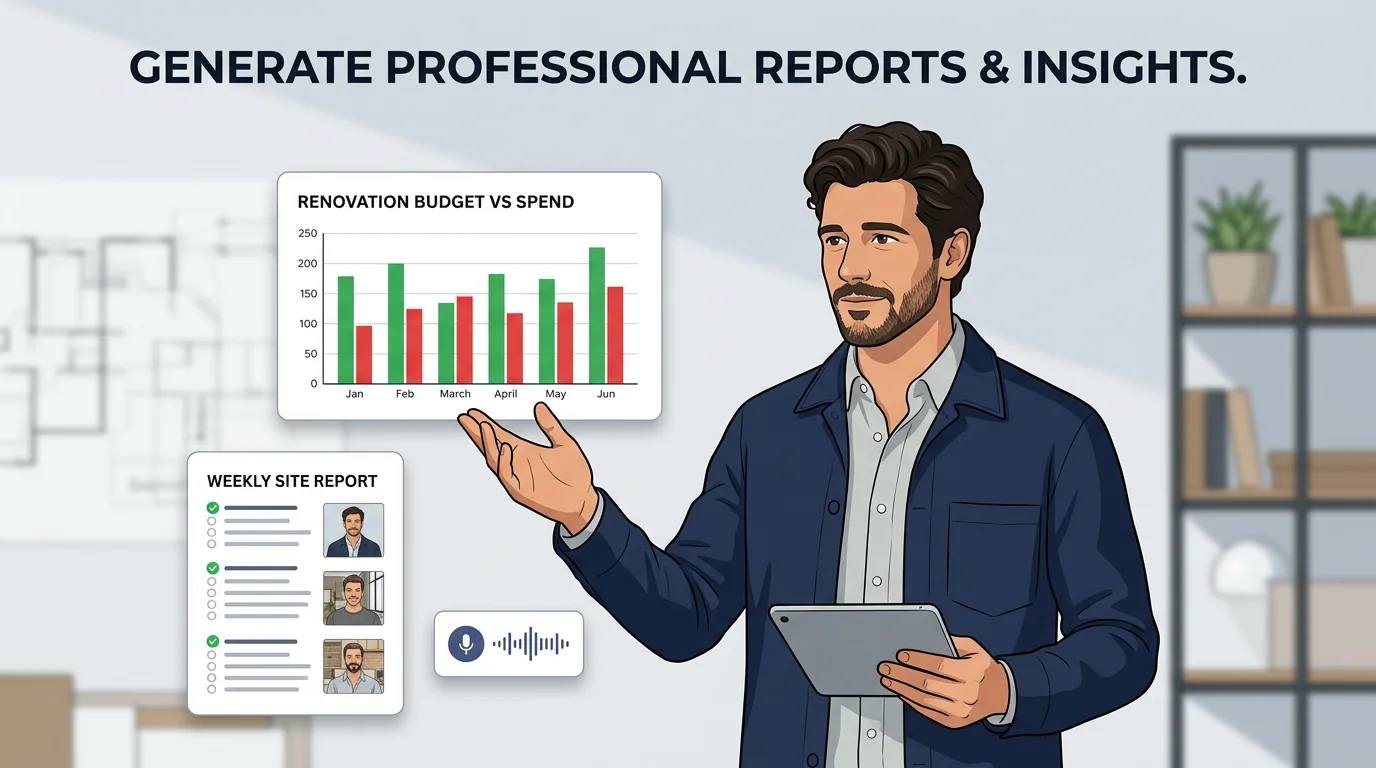
Ask Daniel Trackman to write a structured report from your conversations, task logs, and files. He pulls together completed work, open items, and key decisions into a clean summary you can share with a GC, client, or inspector.
Budget charts
Make a bar chart of my renovation spend by room from these numbers
Give Daniel Trackman your expense data — pasted numbers, a CSV, or totals by trade — and he turns it into a visual chart. Budget vs actual, spend by room, or cost breakdown by category. No spreadsheet skills needed.
Images
Generate visual references
Generate a mood board for a Scandinavian-style bathroom with white tiles and oak accents
Describe a design direction and Daniel Trackman generates a visual reference for you — a mood board sketch, a material combination, or a rough layout concept. Useful for aligning with contractors or exploring finish options before committing.
Modify an existing image
Redraw this tile photo with darker grout so I can see how it would look
Send Daniel Trackman a site photo or material image and tell him how to adjust it. He can redraw it in a different style, apply a color scheme, or create a variation — useful for visualizing finish changes before buying.
Audio
Generate voice audio
Read today's open tasks and the materials I need to pick up, in a clear voice
Ask Daniel Trackman to read something aloud — your daily site briefing, an open task list, or a material order summary. He creates an audio clip and sends it to your chat, ready to listen while driving to the site.
Text to speech
Convert this morning briefing text to speech with a professional voice
Turn any text into spoken audio — a contractor briefing, a spec summary, a set of site instructions. Choose a voice and Daniel Trackman sends you a natural-sounding recording you can save, forward, or play on site.