Your voice, his ears
Send Daniel Trackman a voice note from the job site — he understands it just as well as text. Log tasks, save specs, forward a contractor's audio message, or ask him to read back your punch list on the go.
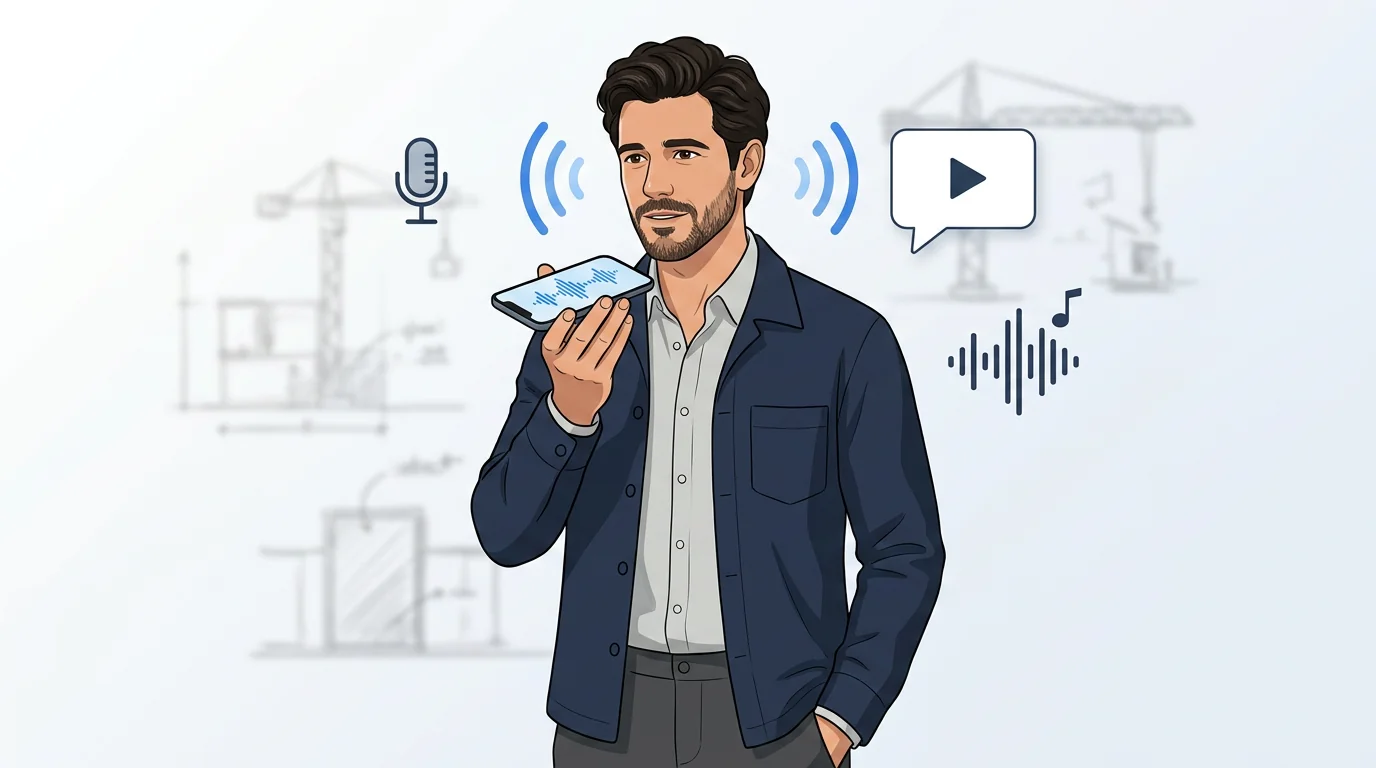
Manage your site by voice
Talk to Daniel Trackman by voice
Hey Daniel, add a task: call the plumber about the slow drain in the second bathroom, due tomorrow.
On a job site your hands are full. Just hold the microphone and talk — Daniel Trackman listens, understands what you need, and responds right away. Log a task, save a spec, or ask about budget without typing a word.
Voice works for everything
Daniel, save this: the bathroom floor tile grout color is Mapei Warm Gray, applied 2mm joints.
Anything you can type, you can say. Log expenses, save specs, update task status, set reminders — voice works across all of Daniel Trackman's features. No special commands needed, just speak naturally.
Transcribe any message
See your words as text
Just send a voice message — Daniel Trackman will reply with the transcript automatically.
Every voice message you send is automatically transcribed. Daniel Trackman shows the text version in the chat so you can see exactly what he heard. If something sounds off, just correct him — he'll adjust.
Forward contractor messages
Make tasks from this contractor message.
Forward any message from a contractor, supplier, or trades worker to Daniel Trackman. He reads it and helps you act on it — extract tasks, save key details like delivery dates or prices, or simply summarize what was agreed.
Speak in any language
Forward audio
Translate this voice message from the tile supplier to English.
Got a voice update from a subcontractor in another language? Forward it to Daniel Trackman and he'll transcribe and translate it for you — so you always know what was said, regardless of the language.
Translate from text
Translate this installation guide to English for me.
Ask Daniel Trackman to translate any message — a spec sheet in another language, a supplier's instructions, or a contractor's text. Tell him the target language and he'll reply with the translation right in the chat.
Create audio you want
Generate speech from text
Read me today's open tasks and the materials I need to pick up.
Ask Daniel Trackman to read something aloud — your open task list, today's site schedule, or a material order summary. He creates an audio file and sends it to your chat, great for listening while driving to the site.
Choose from different voices
What voices do you have? I'd like something clear and professional.
Daniel Trackman can speak in different voices. Ask what's available and pick the one that fits — calm, energetic, or professional. He'll remember your choice for future audio.