Research done before you get to the depot
Ask Daniel Trackman to look up prices, check stock at a building supply, download a spec sheet, or find something you saved last week. He does the browsing — you get the answers.
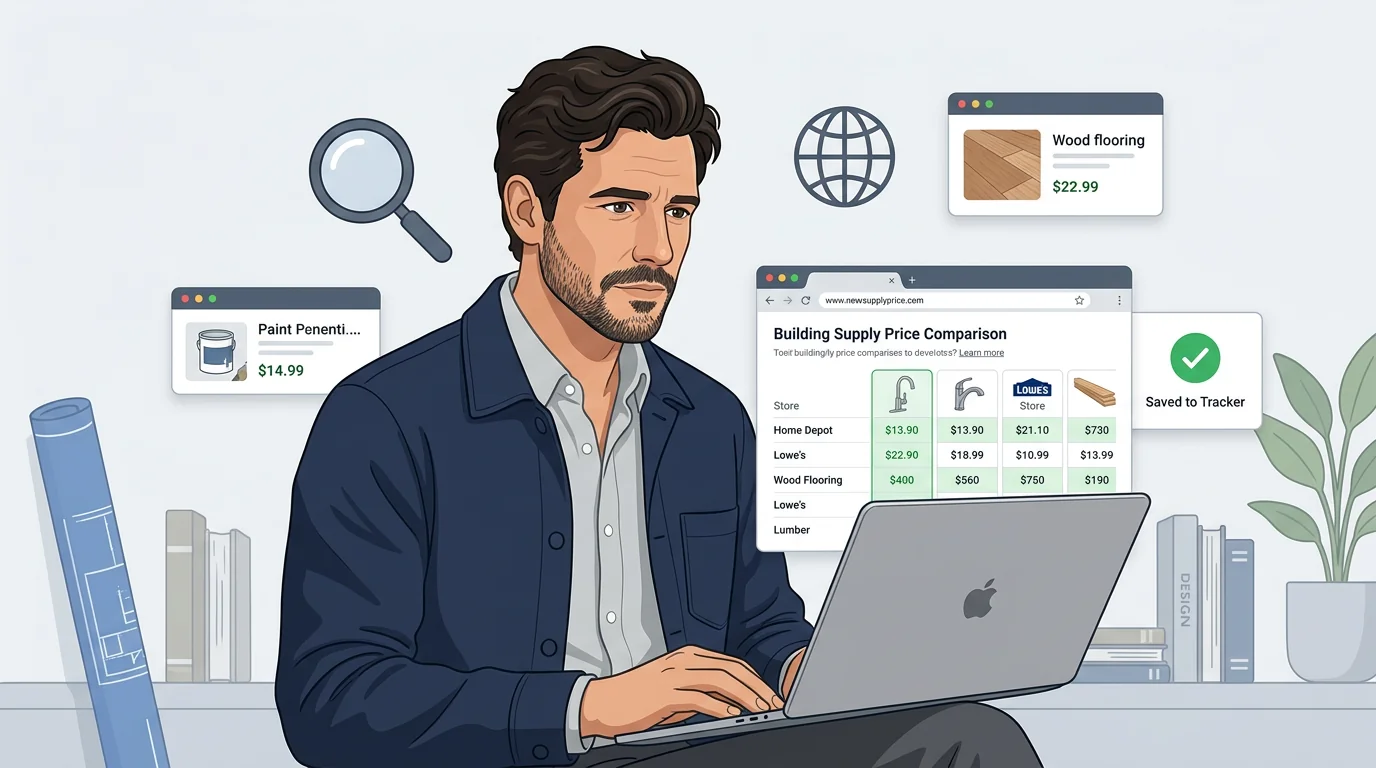
Search the web
Search anything you need
Where is the cheapest place to buy 20mm concrete backer board near me?
Ask Daniel Trackman any question and he'll search the internet for you. No need to open a browser or dig through results — just ask and he brings back what matters for your renovation.
Analyze search results
Compare the top three waterproofing membranes under $2 per sq ft and tell me which one is best rated for wet areas.
Daniel Trackman doesn't just return links. He reads through the results, picks out the most relevant details, and gives you a clear answer you can act on — pricing, availability, specs, or reviews.
Crawl a site
Look at a supplier page
Check this supplier page and tell me if the 600x600 porcelain tile is still in stock.
Send Daniel Trackman a link and he'll visit the page for you. He reads the content, pulls out key information — product specs, pricing, stock status — without you needing to open it yourself.
Deep-dive a site
Go through this manufacturer's site and find the installation guide and warranty terms for their LVP flooring.
Daniel Trackman can go deeper — following links on the same site to research across multiple pages. He extracts what's relevant and stops when he has the answer, saving you the browsing time.
Download documents
Download from a link
Download the MSDS from this paint brand's page and save it.
Send Daniel Trackman a link to a file — a permit PDF, a product spec sheet, a material safety data sheet — and he'll download and store it in your file memory. You can find it anytime.
Read downloaded documents
What does the permit PDF say about the required setback distance for the addition?
Once a document is stored, Daniel Trackman reads it for you. He extracts text from PDFs, runs OCR on scanned pages, and makes everything searchable so you can ask specific questions about the content later.
Search anything you saved
Find anything you saved
Did I save anything about the load-bearing wall specs from the structural engineer?
Daniel Trackman searches across everything at once — stored files, past conversations, saved notes. Describe what you're looking for and he finds the best match, even if you don't remember exactly when you mentioned it.
Summarize stored documents
Summarize the contractor agreement PDF I uploaded last week.
Ask Daniel Trackman to summarize any document or past conversation. He pulls out the key points — delivery dates, pricing, code requirements — and gives you a clear overview without you reading through everything yourself.